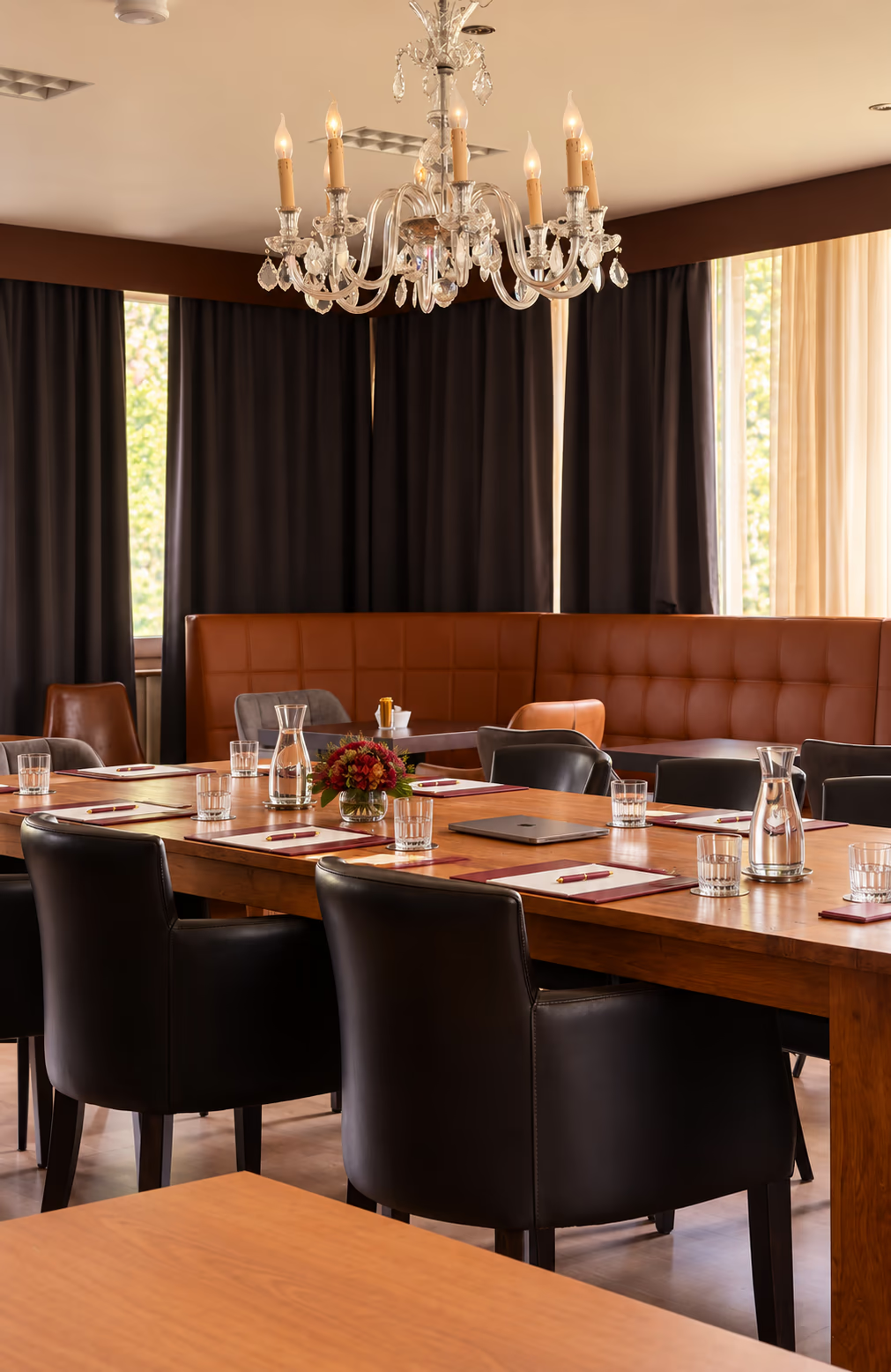
Which room layout suits your meeting?
The same group can meet in two very different ways. For a presentation, everyone faces the front; in a workshop, the discussion needs to flow around the table. That is why choosing a meeting room involves more than participant numbers. The layout, the way you plan to work and the space for catering all need to fit together. A brief description of your programme helps the hotel advise you more precisely.
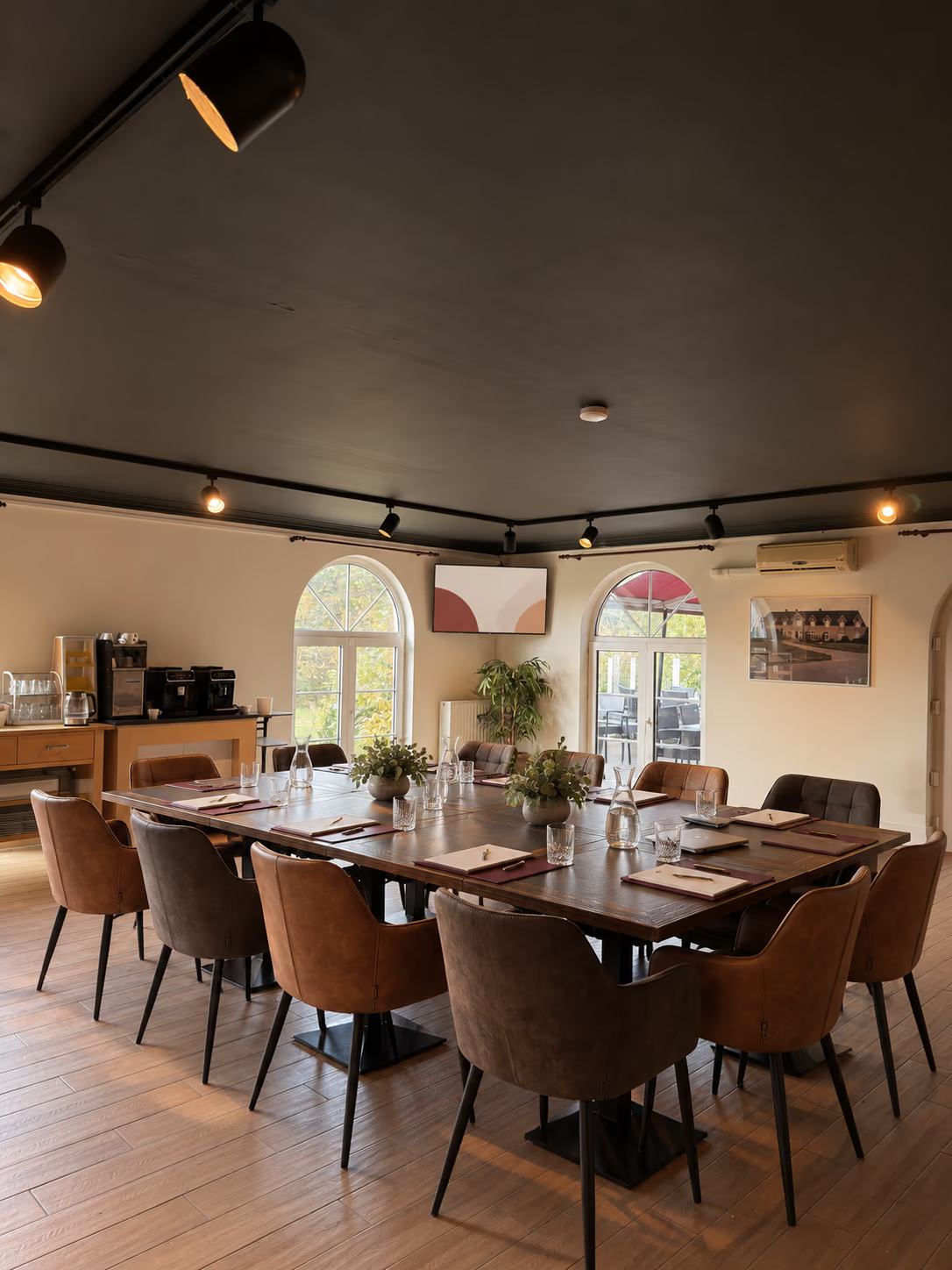
Working together needs space at the table
For discussion, note-taking and shared planning, a seated layout with tables is often a sensible starting point. Participants need a surface to work on and must be able to hear each other. Think too about where a presenter or someone writing on a flip chart will stand.
When you enquire, explain whether everyone will take part in one discussion or work in smaller groups. Describe how you plan to work in plain language. A sketch can help, but always have the hotel confirm the final layout and available space.
A presentation has different requirements
In a theatre-style layout, the seats face the presentation. This may suit a programme led mainly by a speaker, where participants need little working material. Check whether this format also suits the interactive activities you want to plan.
If you alternate between a presentation and group work, discuss in advance how this can work in practice. Changing the layout during the meeting is a separate request; do not assume that the room will automatically be rearranged or that a second room is available without confirmation.
Capacities at Prins Van Oranje
For Prins Zaal, the hotel lists 50 people in a standard layout and a maximum of 70 in a theatre-style layout. For the La Brava function room, it lists 35 people with a buffet and a maximum of 50 in a theatre-style layout. The business meeting offer is available for groups of 9 or more.
These figures apply to the situations described. They do not guarantee that every activity, table layout or additional installation will fit the same number of people. State both your preferred room and your programme. Availability and the specific layout are set out in the confirmation.
Check what your presentation needs
Find out which laptop, connection and files the speaker will use. Ask whether a demonstration needs sound and whether a microphone would be useful. For online participants, it is important to discuss the camera, microphone and meeting software in advance.
The business page lists a screen, projector, sound system, microphone and flip chart as included meeting facilities. This does not mean that every possible technical set-up is available. Arrange specific equipment, connections and any testing time in advance.
Consider catering and the end of the meeting too
A buffet, catering table or extra work area takes up space. Discuss where the break fits in and whether participants would like to leave their materials on the tables. This avoids choosing a capacity that is achievable only without your preferred furnishings and equipment.
Finally, provide your start and end times, including the preparation time you need. Current business venue options are listed on the B2B page. You will receive a proposal first; your online enquiry does not hold a room for you.
What to include in your enquiry
- Number of participants and how you plan to work
- Preference for Prins Zaal or the La Brava function room
- Presentations, connections and online participants
- Space for catering and your preferred hire period
Put your plans into action
Discuss your room layoutAvailability, the full price and arrangements are confirmed before you agree. A request does not reserve a hotel room or function room.